The developer left: how to take over a software project without starting over
What to secure in the first week after your developer or agency disappears, and how to choose between rescue, repair and rebuild

If the person who built your software has left, don't decide on a rebuild in the first week. First get control of the code, the domain, the hosting and the paid services. Then find out whether a backup restores and whether anyone can still deploy, which means putting a new version of the software live. Those answers tell you whether a rescue is enough (regaining control and keeping the system safely running), whether the system needs a repair, or whether it needs a rebuild. Even a rebuild does not have to mean starting over.
This guide is for the owner who now has software that mostly works and nobody who knows how it works. There was no handover meeting and no checklist from the old team. You have whatever logins you happen to have. That is enough to start, whether a freelancer or an agency built the software.
What should you secure in the first week?
Secure control before you change anything. You cannot judge, fix or replace a system that you cannot log in to, renew or deploy. For every account in the four areas below, write down who can log in today and whose name and card are on it. You can do most of this yourself. A few checks need a developer, which can be someone you hire just for these checks. What matters is that they report what they find before they change anything.
Control is about logins and the names on accounts. Legal ownership of the code is a separate question: it depends on your contract and on the law where you are. If it is unclear, or the developer disputes it, ask a lawyer before you move anything.
Who controls the code repository?
The code repository is where the source code and its history live, usually on GitHub, GitLab or Bitbucket. If you have no login, look for its address in old emails, invoices and messages from the developer, then ask which account holds it: your business's, or the developer's personal one. With an agency, it may sit in the agency's company account, so ask the agency, not only the person you worked with.
On GitHub, moving a repository needs someone with admin rights on it, the highest access level. GitHub's documentation on transferring a repository says that "to transfer a repository you must have administrator access to the repository." If only the developer has that access, the developer has to make the transfer. Two details on the same page matter afterwards. The original owner is added as a collaborator, which means they can still work on the moved repository, so remove them once the move is done. And the repository's secrets and deploy keys stay attached: these are the passwords and access keys that let the code reach your server and other services. Ask a developer to list them and replace them.
If there is no repository at all, the only copy of the code may be the one on the server. Ask a developer to take a full copy of it before anything else changes.
Who controls the domain?
The domain is your address on the internet, and the registrar is the company it is registered with. A public lookup such as ICANN Lookup shows the registrar and the expiry date. It may not show who the holder is, meaning the person or company the domain is registered to. If you don't know the login, ask the registrar's support how to recover the account. Renewal invoices and emails from the registrar help show which account it is.
Expiry is the quiet risk. ICANN, the organization that sets the rules for .com, .net and other generic domains, requires registrars to warn the domain's holder before it expires. Paragraph 2.1.1 of its Expired Registration Recovery Policy says that registrars "must notify the Registered Name Holder of the expiration at least two times": one notice "approximately one month prior to expiration" and one "approximately one week prior to expiration". If the developer registered the domain in their own name, those reminders go to the developer. Make sure your business is the holder, that the contact email is one you read, and that the expiry date is in your calendar. If the domain sits in the developer's registrar account, ask the registrar how to change the holder or move the domain to an account in your business's name. Country-code domains, such as .uk or .de, follow their own registry's rules, so ask the registrar how reminders work there.
Who controls the hosting and the paid services?
Hosting is where the software runs: a cloud account, a rented server or a hosting platform. Around it there are usually paid services for payments, email sending, maps, app store listings, error monitoring or AI. For each one, find the login and the card that pays for it. A service paid with the developer's card can stop when the developer stops paying. If the server or cloud account is in the developer's name, ask for the account to be moved to you, or for a full copy of the server and its data, so a developer can set it up again in an account you own. This move is a cloud migration, so a restore test of the copy comes before the switch.
Which passwords and keys did the developer know?
Once your business holds the admin logins, change the passwords the developer knew and remove their user accounts. Keys that the software itself uses, such as database passwords and the API keys that let it use other services, need more care. If you replace one without updating the software, the software stops working. Leave those to a developer who can change both at the same time.
What if the developer does not answer?
Start with your email. If the developer also ran your business email, get control of the email provider's account first, because password resets for everything else arrive there. Then look at the accounts that use your business's email address. If an account uses an address at your own domain, your email administrator can reach that mailbox, and a password reset usually sends the link there. For accounts in the developer's name, contact each provider's support and ask what proof they accept that the account serves your business. Your invoices, contract and company documents help prove it. If a provider refuses, or the developer refuses to hand over what you paid for, it has become the legal question above.
Has a backup ever been restored?
A backup proves itself only when someone restores it. A backup job that runs every night tells you nothing about whether the data comes back. CISA, the US government's cybersecurity agency, makes the same point in its #StopRansomware Guide: it tells organizations to "regularly test the availability and integrity of backups in a disaster recovery scenario." The guide is about ransomware, but a backup that does not restore fails you in any disaster.
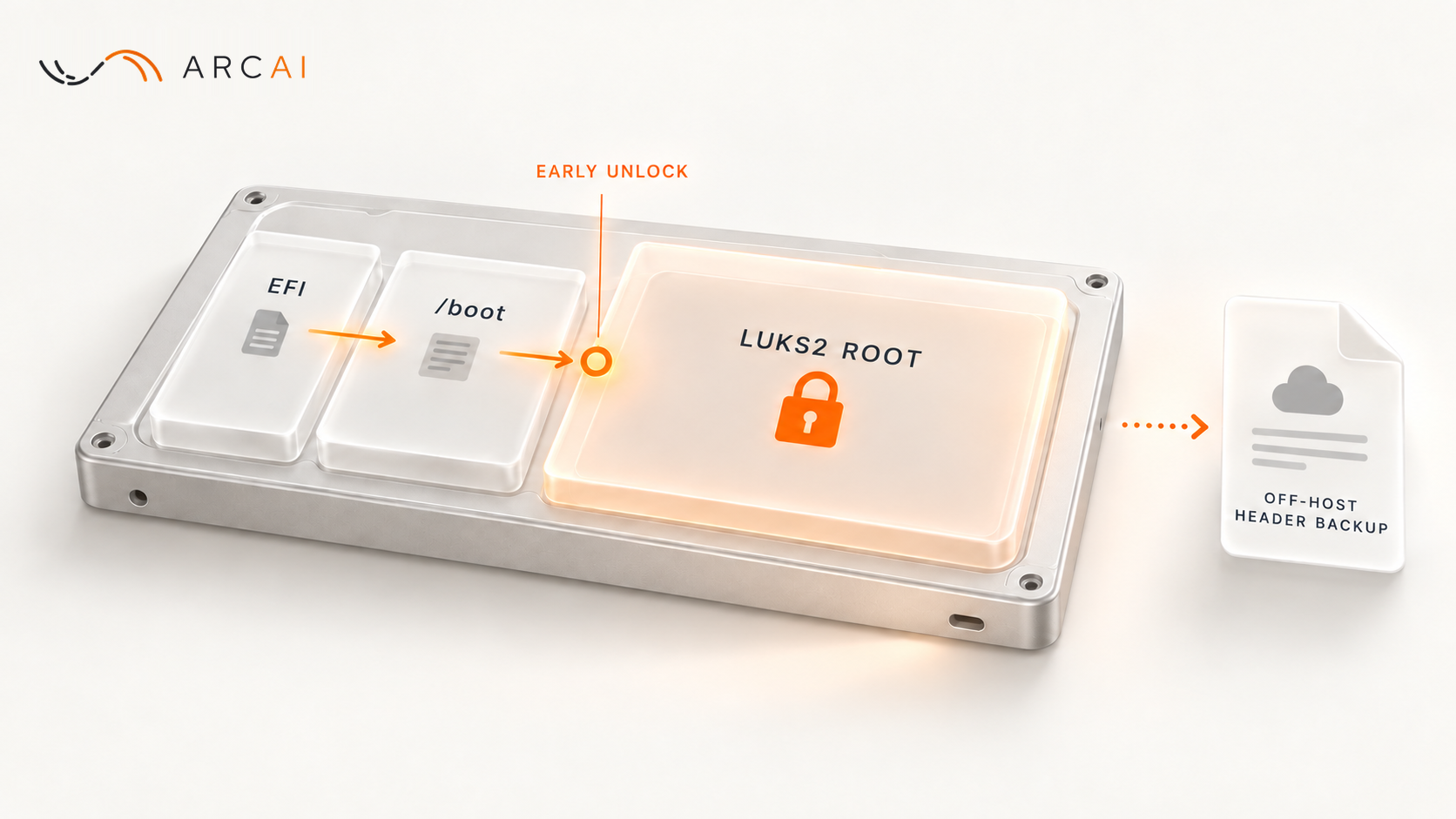
Ask a developer to restore the latest backup into a separate copy of the system, never over the live one. A separate copy runs on another server or account, where a mistake cannot reach your customers. Then check two things: the software starts, and the newest data in the copy is as recent as you expect. Also check where the backups are stored. Backups kept in the developer's own account leave with the developer.
A successful test proves that this backup works today. It does not prove that next month's will, so repeat it. If the restore fails, or there is no backup at all, a backup that restores becomes the first job, before any other change.
Can anyone still deploy?
If nobody can deploy, every fix waits, however small it is. Three questions tell you where you stand:
- Are the deployment steps written down anywhere, or were they only in the developer's head?
- Does the code in the repository match what is running? If the developer changed files directly on the server, the repository is behind the live system.
- Can a developer deploy a harmless change, such as one word of text on a page few customers see, to a test copy of the system first, and then to the live one?
If the answers are no, getting deployments working again comes first, before any new feature.
Rescue, repair or rebuild: how do you decide?
Decide after the first week, with four questions about what it showed you. At Arc AI we use three words for the three paths. They are our words, not an industry standard, but the questions behind them work with any team:
- Rescue, when there's more worth saving than it seems: stabilize, recover, regain control.
- Repair, when the right system is already there and just needs work: fix, improve, strengthen.
- Re/Build, when starting again is the smarter move.
The first week above is rescue work, whatever comes next. A rescue is enough when the system does its job, you control every account, and someone can restore and deploy it: from there it needs ordinary maintenance, not a project. If that is not where you are, four questions point the way:
- Does the software still do the job the business needs? If it does, lean toward repair.
- Can someone now deploy it and restore it? If not, you are not ready to judge it. Finish the rescue first.
- Are the problems in a few places or everywhere? Ask the developer who did the restore and the deploy to list the problems they met. A list that keeps naming the same few parts points to repair. A system that fails the business everywhere may need a rebuild.
- Who depends on its exact behavior? Customers, staff routines and other companies' systems all rely on how the software behaves today, odd parts included. The more of that there is, the more a rebuild has to copy.
The last question is where rebuilds go wrong. Martin Fowler, who writes about software design and about replacing old systems, puts it plainly: "Replacements seem easy to specify, but often it's hard to figure out the details of existing behavior." The approach he and his colleagues prefer is gradual: build new parts beside the old system and move bits of behavior across one piece at a time. A new developer who recommends a full rebuild before they can deploy the old system has not yet seen enough to know. A good sign is one who asks to restore and deploy first.
A real case: replacing an unmaintained API without its users noticing
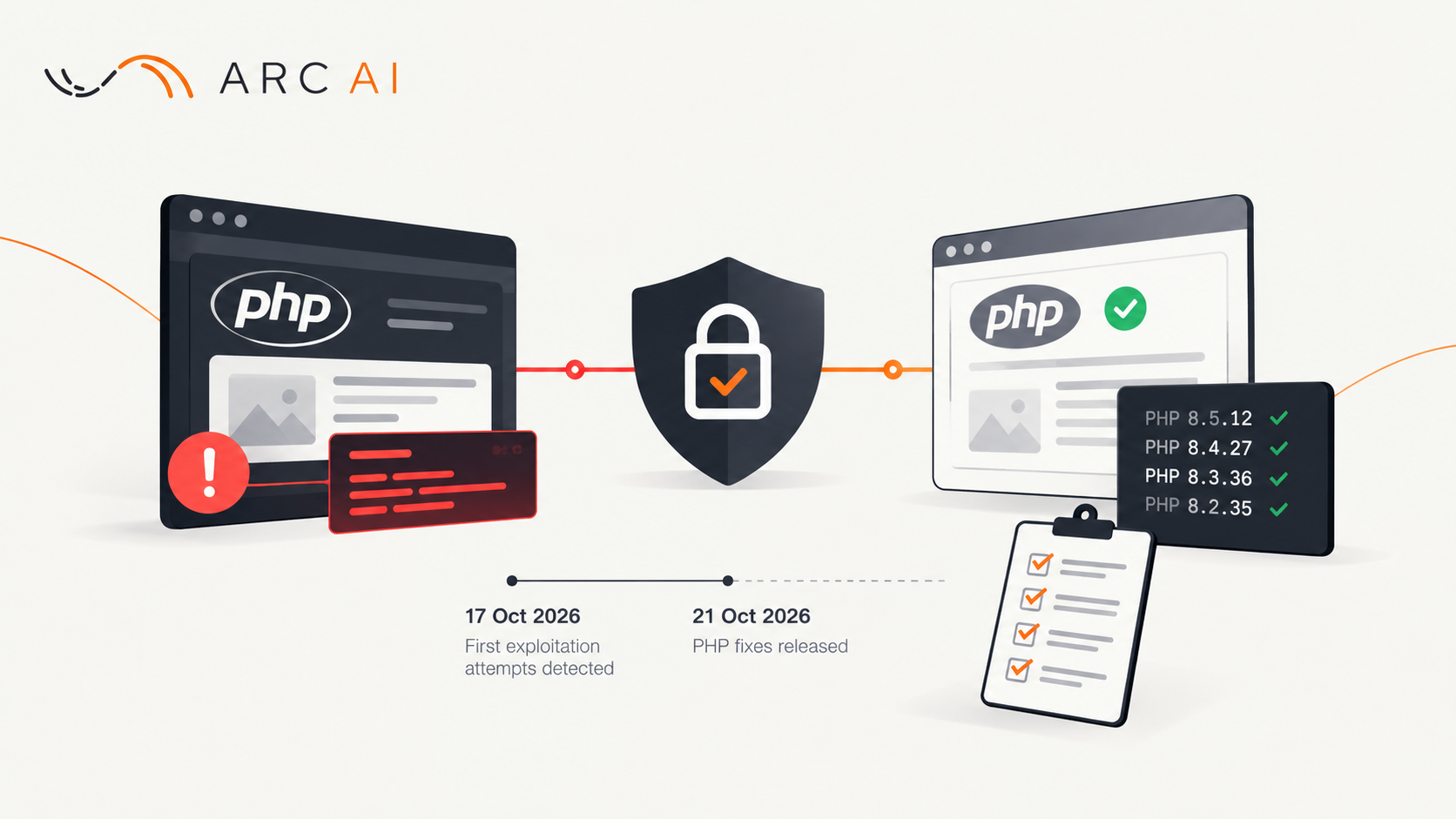
Our example is not a first-week story. It is a step that can come at the end of a takeover: retiring one old piece that nobody maintains but that something still depends on. A client already ran its business on a new system. One piece still ran on an old server: an API, which is a way for another company's software to request data automatically. An outside partner's system used it, and the partner's software was old too. Its requests came from PHP 5.6, a version of the PHP programming language whose support ended on 31 December 2018.
Why rebuild and not repair? The first question pointed to repair: the API itself still did its job for the partner. The trouble was everything around it. It ran on a server that nobody maintained, and it answered from a copy of the client's data that was refreshed about every four months. A repair would have meant keeping that server and its copy in step with the new system. Rebuilding the one API inside the new system removed both problems. The fourth question set the rule for the rebuild: the partner depended on the API's exact behavior, so the new version had to answer exactly like the old one. The API used SOAP, an older standard for exchanging structured messages between programs (W3C, SOAP 1.2), so even a small change in an answer could break the partner's side.
Here is what we did:
- Kept the rulebook as it was. The file that describes every request and answer went into the new system unchanged, character for character.
- Recorded the old server's real answers. We captured 64 requests and their answers from the live old server and replayed them against the new one. 57 matched exactly. The other 7 came from one detail that an old data import had dropped years before this work: a few option codes are spelled slightly differently. That matters only if the partner's system saved an old answer before the switch and sends it back later. A request that uses the new system's own answers matches.
- Compared the prices. The API returns prices, so a second, separate run compared 59 prices that both servers could calculate. 52 matched. The other 7 differed because the new system had a newer price list than the old server's copy. That is a change the partner can see, and it is the correct one.
- Wrote down every difference. Each one went into a report with the reason it was acceptable. A difference not in the report counted as a bug.
- Allowed no redirects. A redirect is a server telling the calling software to try another address. Old software may not follow one, so the new API answers at exactly the old address.
- Switched with a way back. The switch pointed the API's address at the new system. The old server was left as it was, so going back would only have meant pointing the address back.
The switch went live on 10 September 2026. The partner's system changed nothing on its side, and the partner has reported no problem since.
This was a rebuild, but not a fresh start. The old API's behavior, down to its exact error messages, served as the specification, and the old system was replaced one piece at a time. This piece-by-piece approach is the core of legacy application modernization: the business keeps using the old system while parts of it are replaced.
Your first-week checklist
- List every account: code, domain, hosting and paid services. Note who can log in and whose card pays.
- Move the repository and the domain into your business's name.
- Put the domain's expiry date in your calendar.
- Have a developer restore the latest backup into a separate copy.
- Have a developer deploy a harmless change to a test copy.
- After the first week, decide between rescue, repair and rebuild, with these answers.
If your developer has left and you are not sure what you still control, tell us what you have. You will hear from a person within one business day.