Legacy System and Application Modernization
Legacy system and application modernization means changing old software so it is easier to change, safer to run and cheaper to keep. The business that depends on it keeps running while we do it. It rarely means a full rewrite.
Arc AI is two engineers, Bozhidar Ivanov and Ivaylo Valchev. Our application modernization services start with one question: should you save the system, fix it or rebuild it? We answer it with you, and then we do the work.
Signs your application needs modernizing
- Every new feature takes longer than the one before.
- Your developers avoid the old parts of the code.
- The person who built it has left, and nobody knows how parts of it work.
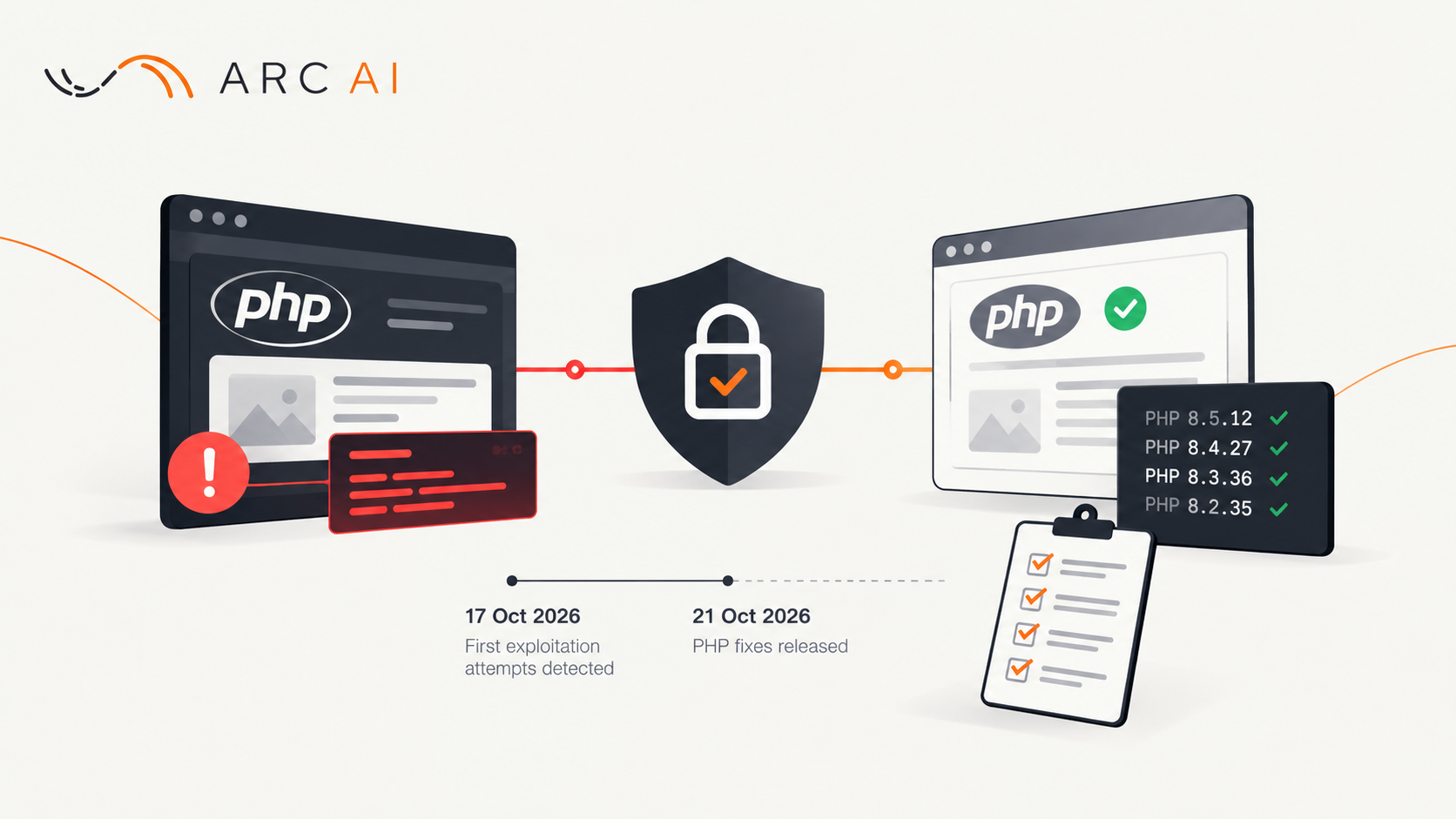
- It runs on versions of a language, framework or server that no longer get security updates.
- Your team works around the system instead of with it.
Three ways to handle an old system
Old systems don't all need the same answer. We pick one of three:
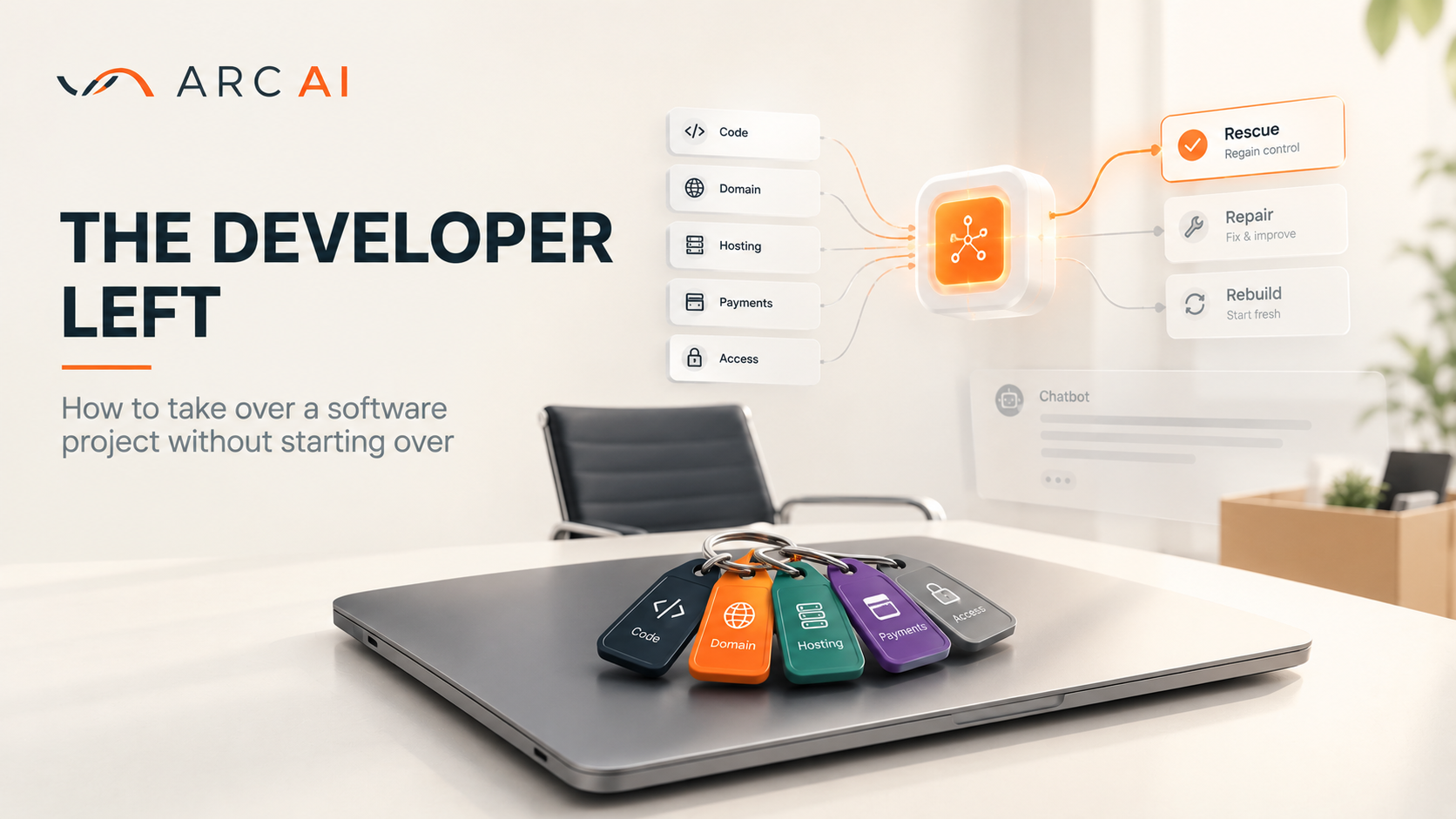
- Rescue. The system is worth more than it looks. We make it stable, recover what is missing and put you back in control.
- Repair. The system is the right one, but it needs work. We fix it in place.
- Re/Build. Starting again costs less over time. We rebuild it. Your data and users move across with it.
Sometimes the plan mixes these. We rebuild one part and keep the rest.
How our three paths match the standard terms
You may have read about the "Rs" of modernization, such as rehost, refactor and rebuild. Here is how they map to our three paths:
- Rescue usually means retain or rehost. We keep the system and make it stable. Sometimes we move it to better servers without changing the code.
- Repair usually means replatform or refactor. We move the system to newer versions, or we clean up the code without changing what it does.
- Re/Build usually means rearchitect or rebuild. We change how the system is built, or we write it again on a new base.
- Replace is the fourth answer. Sometimes a ready-made product does the job better than custom code. We tell you when that is the case.
Groundwork for AI
Many companies modernize because they want to add AI next. A rebuild or a replacement is the cheapest moment to prepare for it. When we modernize a system, we lay this groundwork:
- A clean API. An AI model then works through a fixed set of actions. It never touches the database directly.
- Tidy, structured data. Models work from your data, so we fix duplicates and missing fields during the move.
- Clear permissions and logs. You choose what an AI may access. Later, you can check what it did.
- Events from the system. A new order or a new ticket triggers a signal. An AI can respond to it straight away.
You don't have to add AI on day one. When you are ready, the work is smaller and safer. Our AI integration services page covers that next step. Not sure whether your system is ready? An AI readiness assessment tells you.
AI speeds up the work itself
We use AI tools ourselves during modernization. They help us read old code faster and map how its parts connect. They also help us write tests before we change anything. The time we save goes into the parts that need an engineer's judgment. Every change still passes our tests and our review before it goes live.
Work you can check: Best Agents
Best Agents is a portal that matches home buyers and sellers with local estate agents. We modernized it as independent engineers, and we still look after it. It is public, so you can open it yourself.
Before. Pages loaded slowly, and some database queries took too long. The portal ran on a custom framework that one developer had written. That choice made sense when the portal started. Over time, it made every change slower and harder.
What we did. First we sorted the code into two groups: the parts we could move across and the parts we had to rebuild. Then we built a new core for the portal on Symfony, a mature open-source framework that the client chose. Many teams have run Symfony in production for years. We didn't write the basics again. Its existing packages covered common needs, so the work went faster. Then we moved the parts worth keeping onto the new core.
Beyond the code. We set up the site's SEO properly, so its pages could rank in search. We worked with the team on how customer support handles requests from clients.
What this means for you. Modernization doesn't have to start from zero. Building on proven tools costs less than writing your own. It also leaves you with a system that other developers already know.
How we modernize without stopping your business
- Secure access first. We make sure you control the code, the servers, the domains and the accounts. The developer left explains why this comes first.
- Test a restore and a release. Before we change anything, we check that a backup restores. We also check that we can release a change safely.
- Map what is there. We read the code, the data and the server setup. We also talk to the people who use the system.
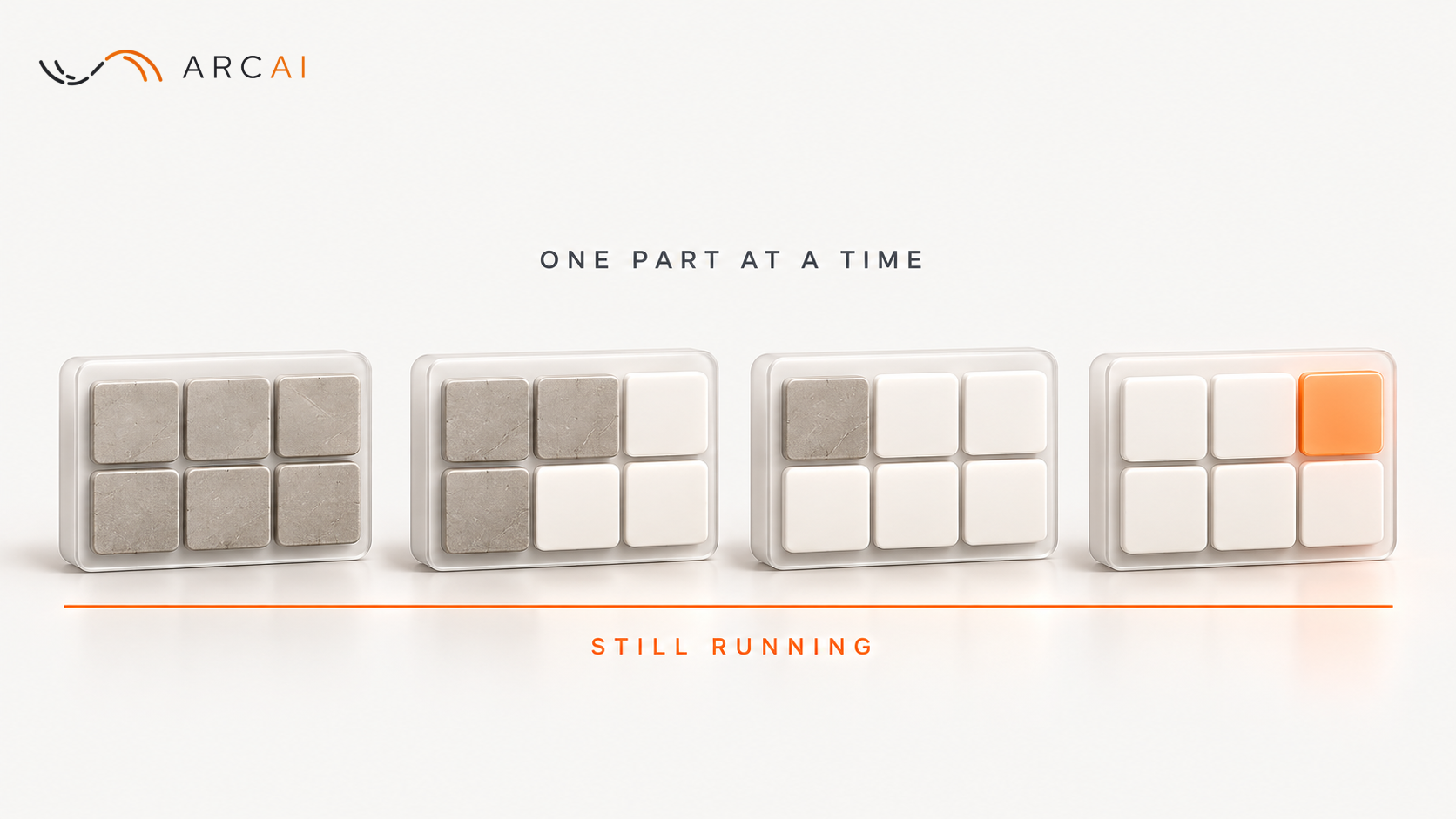
- Change it in small steps. We replace or upgrade one part at a time. The system keeps running, and each step ships as a working version.
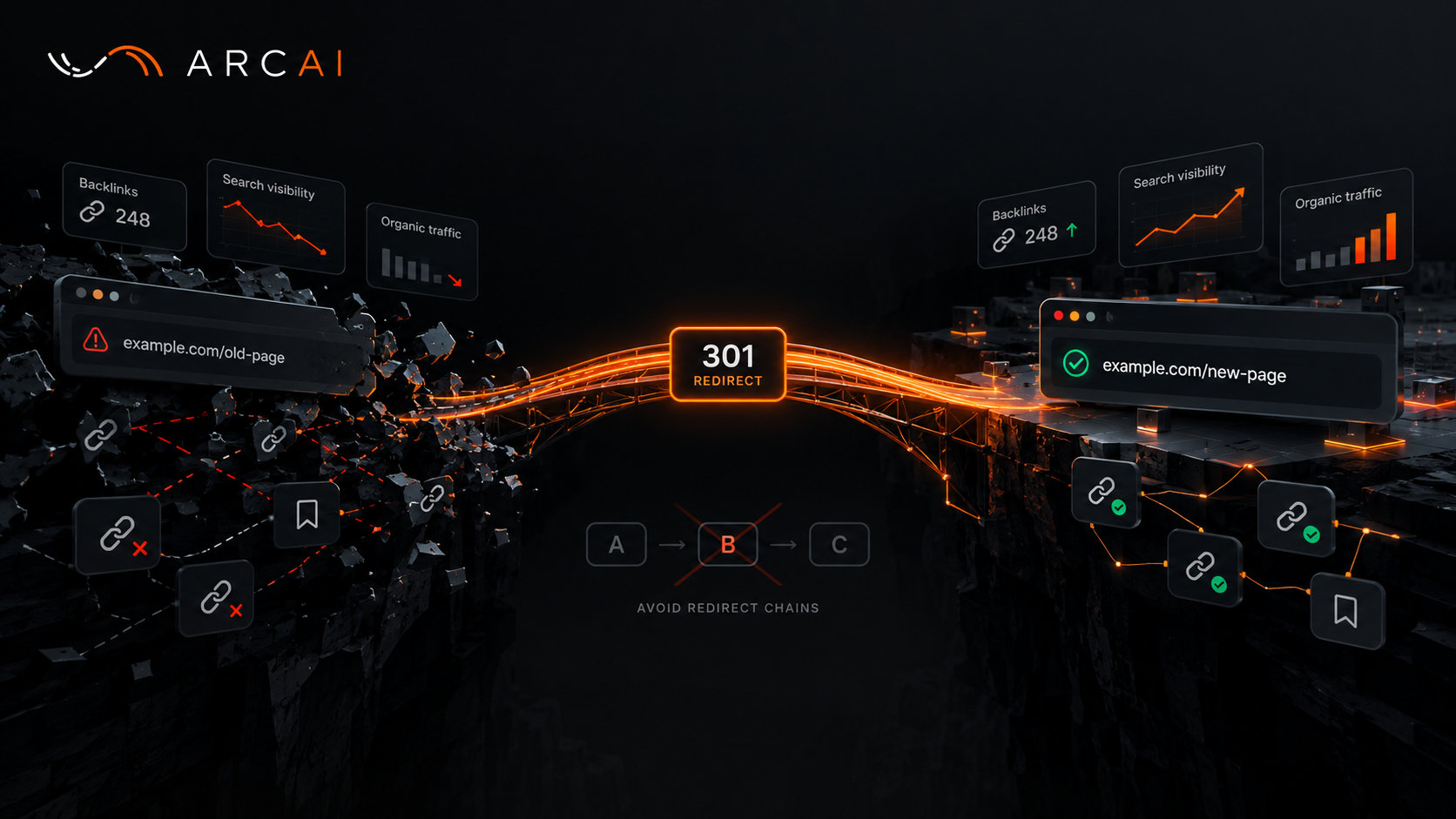
- Keep your search traffic. When page addresses change, we set up redirects so Google keeps sending visitors. Renaming a Page Without Losing Its Google Traffic shows how.
Moving to the cloud
Many modernizations include a move to new servers or to the cloud, such as AWS. We plan the move first and test it on a copy. Then we switch over with a way back, in case something goes wrong. Your data comes across, and your users keep working. Our cloud migration services page explains how we plan and test the move.
What we modernize
We work on web applications, admin panels, CRMs, APIs and the servers under them. We work with whatever your system runs on, and we pick the tools that fit the project.
Your data and your code
- You own all the code we write for you.
- We work under GDPR and sign a data processing agreement when you need one.
- When the data must not leave your servers, we work on your own servers.
How a project starts
- A free first call. It takes about 30 minutes, by video or phone, in your working hours, in Europe or the US.
- A review. You give us read access to the code and servers. We sign an NDA if you want one.
- A written plan. It says whether to save, fix or rebuild, with the risks and the first steps. The review and plan are a small paid step, and we agree the cost before it starts.
- The work. We work in small, tested steps. After each step you get a short update and a working version.
After launch, we look after the system, or we hand it to your team with the documentation they need.
Questions people ask
What is legacy system modernization?
It is the work of updating old software so it is easier to change and safer to run. It can mean fixing the code you have, moving it to newer versions, or rebuilding parts of it.
Can modernization prepare our system for AI?
Yes. We add a clean API, tidy the data and set clear permissions while we modernize. Adding AI later then takes less work.
Do you use AI to modernize systems?
Yes. AI tools help us read old code, map it and write tests faster. Every change still passes our tests and our review.
Is it cheaper to rebuild from scratch?
Not always. A rewrite repeats work the old system already does. It also tends to miss rules that nobody wrote down. The written plan compares both options for your system.
How much does modernization cost?
It depends on the size and state of the system. The paid review gives you a written plan with the scope, the cost and the first steps. No build work starts before you agree to it.
How long does it take?
It depends on the size and state of the system. The written plan gives the scope and the first steps. You get a working version after each step, so you see progress early.
Can you work on a system someone else built?
Yes. That is where most modernization work starts.
If your software has become hard to change, tell us what it does and what keeps breaking. You will hear from a person within one business day.