Google's AI Overview showed on 88% of tracked buying searches. What does it say about your company?
A new Semrush study counted Google's AI summaries on 400 US desktop searches that people make before they buy. It didn't count clicks. Here's how to check what the summary tells your buyers, and what to fix first.
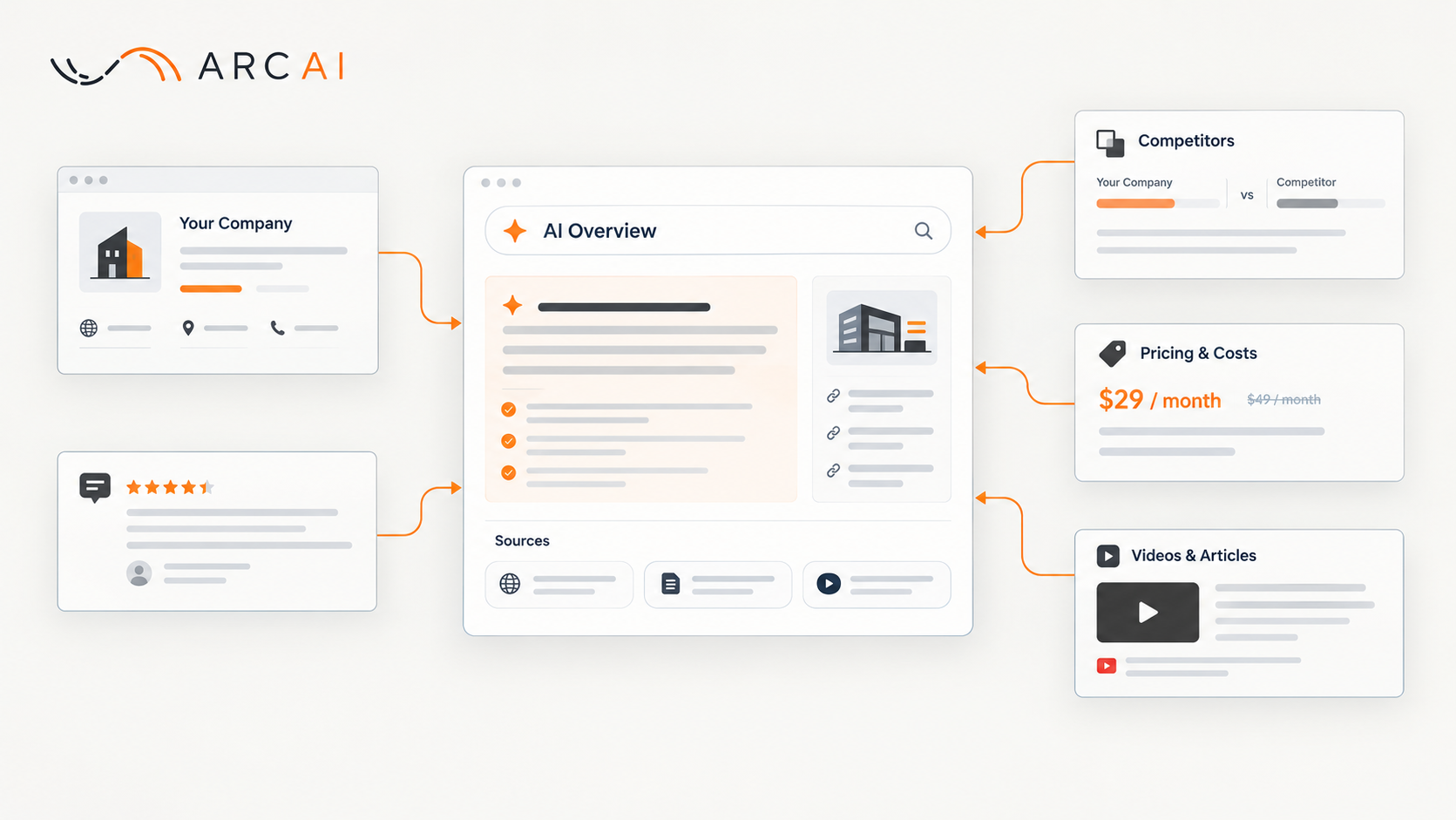
Search for your own company the way a buyer would, and read what Google's AI summary says. In a study by Semrush, a search-data company, Google showed an AI summary for 88% of 400 US desktop searches that people make close to a purchase. That was in August 2026, up from 45.75% in September 2025. The study counts summaries, not clicks, so it can't tell you how many buyers stop there. But on the kinds of searches buyers make before they choose, such as reviews and comparisons, the summary was there most of the time.
Google calls this summary an AI Overview. It's the AI-written answer that Google shows at the top of some search results, with links to the pages it drew on. Google's help page describes it as "an AI-generated snapshot with key information and links to dig deeper", and warns that "AI Overviews can and will make mistakes."
What did the Semrush study find?
Google showed AI Overviews on far more buying searches in August 2026 than a year earlier. Semrush published the study on October 21, 2026. Its team built a fixed panel of 400 keywords, the search phrases it tracked, in banking, software and ecommerce. Every month from September 2025 to August 2026, it checked whether each keyword showed an AI Overview, using Semrush's US desktop data.
Each keyword included words that people add when they're nearing a decision. Semrush sorted them into five groups. Here they are, with one of Semrush's own examples for each:
- Alternatives: "crowdstrike alternatives"
- Brand vs. brand: "hubspot vs salesforce"
- Best X for Y: "best credit union for car loan"
- Pricing and cost: "price antivirus software"
- Reviews: "chase checking account review"
This article calls them buying searches. "Coverage" below means the share of the tracked searches that showed an AI Overview. The results:
- All 400 searches: AI Overview coverage reached 88% in August 2026, up from 45.75% in September 2025.
- Weighted by demand: the most-searched terms in the panel were more likely to show a summary. When Semrush weighted each keyword by its estimated monthly searches, AI Overviews appeared on 97.08% of estimated buying searches in August 2026.
- Reviews: in September 2025, the searches that included "reviews" showed an AI Overview about 30% of the time. By August 2026, it was nearly 90%. That was the largest rise of the five groups.
- Every group: by August 2026, the range was 82.05% to 96.12% across the five groups. "Best X for Y" searches finished highest.
- Every industry: banking, ecommerce and software all landed between 85% and 91%.
What does the study not tell you?
The study shows how often a summary appeared. It doesn't show what people did next. Semrush measured one thing: whether an AI Overview appeared for each keyword. The study has no clicks, visits, leads or sales, and apart from one example it doesn't look at what the summaries said. PPC Land, a search-marketing news site, puts it plainly: the study "contains no click, traffic or conversion data." Conversions are the sales or sign-ups that follow a visit.
Other limits to keep in mind:
- A small, fixed sample. It's 400 chosen searches in three industries, not all Google searches.
- US desktop only. Searches on phones and in other countries are outside the sample, so the figures may differ where your buyers search.
- Smaller companies. The brand names in Semrush's examples belong to well-known companies. A search for a smaller company may show no AI Overview at all. Google says AI Overviews appear only when its systems decide that they add something to the regular results, and as a result "often don't trigger."
- Who measured. Semrush sells a tool that tracks AI Overviews, and the study ends with an offer of a free trial. That doesn't make the counts wrong, but it's worth knowing.
What about clicks? Pew Research Center, a US research organization, analyzed the browsing data of 900 US adults for March 2025. When their Google results page showed an AI summary, they clicked on a regular search result in 8% of those visits, against 15% without a summary. A visit here means one visit to a Google results page. Pew counted all kinds of searches, not only buying searches, and its data comes from March 2025, months before the Semrush study began. Google called Pew's method "flawed", as PPC Land reported.
So neither study tells you how many of your buyers stop at the summary. What you can find out is what the summary tells them.
Why should a business owner care?
The summary describes your company in Google's words, built from pages you may not control. Semrush gives one example, the search "mailchimp vs klaviyo". The summary's advice to "Choose Klaviyo if…" cited Klaviyo's own guide. Its advice to "Choose Mailchimp if you run a general small business…" cited Zapier, a third-party site. A YouTube video and another third-party site were among the other main sources. Semrush notes that these summaries can draw on YouTube videos, Reddit threads, review sites, your own site and your competitor's. Pew saw a similar mix: Wikipedia, YouTube and Reddit were the most often cited sources in the AI summaries it collected.
Here's an illustration, which the rest of this article follows. A buyer searches "[your company] vs [competitor]". The summary says your prices start higher than they do. Its sources are your competitor's comparison page, an old forum thread and a directory entry with last year's higher prices. You changed your prices this year, but nobody updated the directory.
How do you check what Google's AI says about your company?
Run the searches your buyers run, read the summary, then open every source it links to. You need a browser and somewhere to take notes.
- Pick five searches. Use Semrush's five groups with your own names: "[your company] reviews", "[your company] vs [main competitor]", "[your company] alternatives", "[your company] pricing", and "best [your service] for [your kind of customer]". If you serve one area, add "[your service] in [your city]". The study didn't track local searches, but your buyers may use them.
- Search on a computer and on a phone. The study used desktop results only, and your buyers may search on phones. Note the date, the device and the country you searched from, and take a screenshot of each result. AI Overviews aren't offered in every country and language: Google's help page lists where they are available. Pew notes in its "How we did this" section that "the AI summary for any given search may change over time", so dated screenshots are your starting point.
- If no AI Overview appears, note that too. That's normal: Google says AI Overviews often don't trigger. Check again next month.
- Read the summary as a buyer would. Check each fact: what you sell, who you sell to, your prices, where you work, and whether you still offer what it says. Note anything wrong, out of date or missing. Also note any sentence that mixes you up with another company. On the "best [your service]" search, the summary may not name you at all. Then note which companies it names, because buyers see them in your place.
- Open every source link. For each one, note whose page it is: yours, a competitor's, a review site, a directory, a video or a forum. Note how old it looks. When a fact is wrong, the source list is the first place to look for where it came from. In the illustration, the old prices lead you to the directory entry. If no source says what the summary says, the summary may have made the mistake itself. Then the feedback step below matters most.
Paid tools, such as the one Semrush sells, can run checks like these across many searches. For a small company, five searches by hand are a good start.
What can you fix if the summary is wrong or out of date?
You can't edit the summary itself. Start with the pages you control, then the other sites that describe you, then tell Google.
- Fix your own website first. Update the pages that answer buying questions: services, pricing, case studies and contact details. Semrush's advice points the same way: "Outdated details give the AI Overview room to misrepresent you." Put the facts in plain text on the page, not only in an image or a PDF. Google lists "making sure that important content is available in textual form" among its best practices for AI features. Your site may also have structured data, a summary of the page written in code for search engines. If it does, ask your developer to check that it matches the page. Google's best practices for AI features include making sure that structured data matches the visible text on the page. If the "best [your service]" summary doesn't name you, check that your site says plainly what you do and for whom.
- Make sure Google can use the page. To be shown as a source in an AI Overview, Google says that a page must be indexed and eligible to be shown in Google Search with a snippet. Indexed means that Google has read the page and stored it, so it can show it in results. A snippet is the short text under a result. Meeting these rules doesn't guarantee a place: Google says indexing and showing a page "isn't guaranteed". Search Console, Google's tool for site owners, can help you check this. Once you verify that you own the site, you can use it to understand and monitor how Google displays information about your site. If you have a developer, ask them to check your key pages there.
- Fix the other sites that describe you. Google's best practices include checking that your Business Profile information is up-to-date. Google's page for local businesses says that a Business Profile manages how your business appears on Google Maps and Google Search. If you run a local business and don't have one yet, you can claim it. Then fix the directory listings and review-site profiles that the summary cited. Where a site lets you claim your listing, which means proving that you own the business so you can edit the entry, do that. Otherwise, ask the site owner to correct it. In the illustration, this is where the old prices get fixed. You can't change a competitor's page or an old forum thread. There, the best you can do is make sure your own pages state the current facts clearly, so the summary has a better source to use. Semrush also suggests that you earn more reviews on the sites that the summaries cite, and ask customers only where that site's rules allow it.
- Tell Google. Each AI Overview has thumbs up and thumbs down icons at the bottom. Click thumbs down, then Report a problem, choose a category, describe what's wrong and click Submit. The feedback includes your search and its results. Google's help page doesn't promise that a specific answer will change, so treat this as the last step, not the fix.
What you don't need: Google says there are no additional requirements and no special optimizations for AI Overviews. It also says that you don't need to create new machine readable files, AI text files, or markup to appear in them. In plain words, no special files for AI tools and no new kind of code added just for them. Be careful with offers that sell one of those as the way in.
How do you know whether it worked?
Run the same five searches again next month, on the same devices, and compare the results with your screenshots. The summary can only cite pages that Google has indexed, so Google has to read your updated pages again first. Google calls this crawling. It says that crawling can take from a few days to a few weeks, and up to several months for pages that it refreshes less often. If you or your developer are an owner or full user of the site in Search Console, you can ask Google to recrawl a changed page with its URL Inspection tool. This works only for pages on your own site, and Google says that a request does not guarantee that the page appears in results.
In the illustration, success means the summary states your current prices and no longer cites the old directory entry. If the summary still shows the old prices, check whether the directory page itself has changed. If the directory is fixed and the summary isn't, send feedback and check again the month after.
If you or your developer use Search Console, Google counts visits from AI Overviews in the Performance report, under the "Web" search type, with the rest of your search traffic. The Google page we read describes no separate count for AI Overviews. So Search Console can't tell you on its own whether the summary changed, but your dated screenshots can. It also helps to ask new customers how they found you.
You can't control what Google's AI writes. You can make sure that accurate, current information about your business exists for it to find, and much of that is work on your own website, which Arc AI can help with. If the summary describes your company from pages that are out of date, tell us what you have. You will hear from a person within one business day.