Is your AI-built app safe to launch? A vibe-coded app security checklist
Six checks to run before real users sign up, for founders who cannot read the code, and what the checks cannot prove
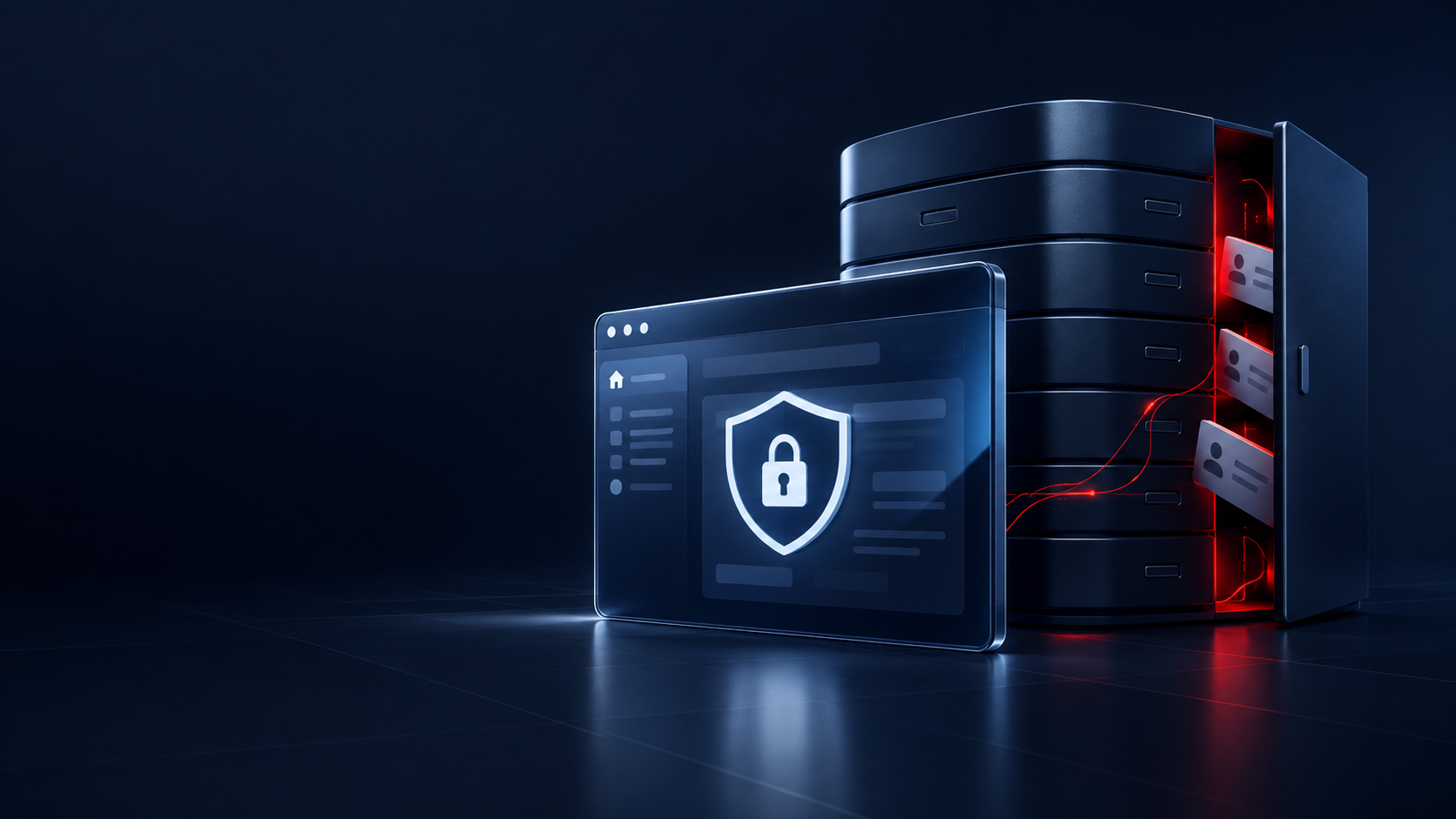
Not yet, if nobody has checked who can read and change your app's data. The serious flaw that security researchers keep reporting in AI-built apps is a database that answers anyone who asks, because its access rules are missing or let everyone through. Your app can work perfectly for every user and still have this flaw, so "it works" tells you nothing about it. Run the six checks below before real users sign up, and treat a clean result as a good start, not as proof.
This guide is for founders who built a first version with a tool such as Lovable, Bolt or Cursor and cannot judge the code alone. Building this way is often called vibe coding: you describe what you want, an AI tool writes the code, and you accept the result without reading it line by line. That is a fine way to test an idea. The checks below matter from the moment the app holds other people's data.
Which setting exposes all your users' data?
In many AI-built apps, it is a missing set of database access rules. Many of these apps keep their data in Supabase, a hosted database that the app's pages talk to directly from the user's browser. Wiz, a cloud security company, notes that Supabase has become especially popular with vibe-coded applications because it is easy to set up.
To make that work, your app carries a public key to the database inside its pages. That is by design. Supabase's API key documentation describes its publishable key (older projects call it the anon key) as "Safe to expose online". The key only identifies your project. What protects the data is a set of rules inside the database called Row Level Security, or RLS. These rules decide which rows each visitor may read or change, for example "a signed-in user sees only their own orders".
If those rules are missing, the key opens the table. Supabase's production checklist says it plainly: "Tables that do not have RLS enabled with reasonable policies allow any client to access and modify their data." In plain words: anyone who copies the public key from your page can read and change the rows in such a table without logging in. The word "reasonable" matters too: a rule can exist and still let everyone through, as check 1 below explains.
Your app never shows the problem. Its screens ask the database only for the rows they need, so every user sees the right data. The open door is one level down, where someone can skip your screens and send requests to the database directly. OWASP, the open security project that publishes the best-known list of web application risks, says access control "is only effective when implemented in trusted server-side code". That means code that runs on a server or inside the database, where a visitor cannot change it, not in the page that the visitor's browser runs. Hiding a button or a page in the app is not a rule. In a Supabase app, RLS is the check that counts, because it runs inside the database.
Firebase, Google's app database, has the same trap under another name. When you create a database in the Firebase console, you choose between Locked mode and Test mode, and Test mode grants access to all users. Firebase's guide on insecure rules warns that once the app is on the internet, "anyone who guesses your project ID can steal, modify, or delete the data" unless you sign users in and configure security rules.
What happened at Moltbook?
At Moltbook, a social network for AI agents, one missing database setting let anyone read and change the whole production database. Its founder wrote on X, "I didn’t write a single line of code for @moltbook". In February 2026, Wiz published what its researchers found by "simply browsing like normal users": the Supabase key in the page gave unauthenticated read and write access to the entire production database. The exposure included 35,000 email addresses, private messages between agents, and 1.5 million API authentication tokens, the keys that let anyone take over an agent's account. Some of the messages held keys to other services. Wiz traced the issue "back to a single Supabase configuration setting": the missing RLS.
The Moltbook team, with Wiz's help, closed the hole in four rounds in just under three hours, according to Wiz's disclosure timeline. The first round locked the tables with keys and email addresses, and the second locked the message tables. Then the researchers found that anyone could still change existing posts, because the first fixes had blocked reading but not writing. The third round blocked writing. The fourth secured three more tables found along the way, one of them with about 29,000 more email addresses. Wiz reports that all data accessed during the research was deleted.
The lesson for your launch: check reading and writing, check every table, and check again after each fix.
What do the studies actually show?
They show that this flaw is common in public AI-built apps. They cannot tell you whether your app has it. Read each figure with its sample.
- Escape, October 2025. The security company Escape says its team "analyzed over 5,600 publicly available applications" built on platforms such as Lovable, Base44 and Bolt.new. It found more than 2,000 high-impact vulnerabilities, more than 400 exposed secrets such as keys and passwords, and 175 instances of exposed personal data, including medical records and bank account numbers. Escape's report page gives a different app count, "1.4K vibe-coded applications". Neither page explains the difference, so the figures cannot be turned into a share of affected apps. Most of the apps came from Lovable, and Escape calls its results "lower-bound estimates" because its scans avoided anything that could disrupt the apps.
- Symbiotic Security, June 2026. Symbiotic scanned 1,072 live sites that use Supabase, which it describes as built with Lovable, v0, Bolt.new, Replit and Windsurf. 98% (1,046 sites) had at least one finding. But exactly as many sites lacked one browser security header that Symbiotic rates low, so the 98% says little about your data on its own. The figure that matters more is 16%: 173 sites had a critical finding. On 172 sites anyone could delete records without logging in, and on 172 anyone could change them. With only 173 critical sites in all, these are mostly the same sites.
- Lovable's showcase, March 2025. Matt Palmer, who then worked at Replit, a company that also makes an AI app builder, scanned 1,645 Lovable projects, starting with Lovable's showcase of launched apps. He reports 170 projects, about 10.3%, with inadequate RLS settings, from their home pages alone. The finding became CVE-2025-48757, a public vulnerability record. Lovable disputes it, and the record gives the reason: "each individual customer of the Lovable platform accepts a responsibility over protecting the data of their application".
That last sentence is worth reading twice. Lovable's current security documentation says the same: "You are responsible for ensuring that your app meets the security requirements appropriate for its use case". Whatever tool wrote the code, your users' data is your responsibility.
The checklist: six checks before launch
You can do checks 4, 5 and 6 yourself in your tools' dashboards, and you can start check 1. The rule review in check 1, and checks 2 and 3, need a developer, who can be someone you hire only for these checks. Ask them to report what they find before they change anything. The examples use Supabase, Lovable and Firebase because their documentation describes these settings. If your app uses another database or builder, ask the same questions of it.
1. Turn on access rules for every table, and read what they allow
In Supabase, every table needs RLS. Supabase's production checklist says to "Check and review issues in your database using Security Advisor", the dashboard screen that lists security findings, and to enable RLS on all tables. The advisor checks include one called "RLS disabled in public" for exactly this case. In Lovable, you can read every rule under More → Cloud → Database → RLS policies. In Firebase, select the project in the Firebase console, open Cloud Firestore, Realtime Database or Storage, and click Rules. Look for rules that allow every read and write.
Turning RLS on has a side effect on a live app. Supabase says that once RLS is on, "no data is accessible through the API when using a publishable key, until you create policies". The app's screens can go empty until the rules exist. Turn RLS on before launch, or have a developer write the rules at the same time.
RLS turned on is not enough, because a rule can still let everyone through. Supabase warns that a read rule for signed-out visitors with the condition true opens every row to every visitor, and says to use it "only for data that is meant to be public". That is right for a public product list and wrong for user profiles. Ask your developer to list, for each table, who can read, add, change and delete rows. Then compare that list with what the app should allow. Also ask about views, saved queries that show data from other tables: Supabase notes that views bypass RLS by default. Before you connect an AI model to this data, an AI readiness assessment lists what the model may see and what it may change.
2. Test the rules as a stranger and as another user
Clicking through your app as a second user tests the screens, not the database. The screens only ask for the right rows, so they look correct even when the rules are open. The real test sends requests straight to the database. It runs once as a visitor who is not signed in, and once as a signed-in user who asks for someone else's rows. It tries all four actions: read, add, change and delete. Supabase's guide asks for these tests on every table and says: "Until the suite passes, you don't know whether the policies do what you intended." OWASP also says that developers and testers should include access control in their automated tests.
Ask for these tests in writing, and ask for them to run again after every change to the database. If a test fails, do not launch until the rule is fixed and the test passes. Moltbook's write gap, still open after the first fixes had closed reading, is the kind of mistake these tests catch.
3. Keep secret keys off the page
Your app has two kinds of keys. The public key belongs in the page. The secret key does not: Supabase says a secret key (older projects call it the service_role key) "bypasses every Row Level Security policy you have", and that you must never put one "in a browser, a shipped application, or source control". Paid services work the same way. Stripe, for example, says that "Only publishable keys are safe to expose outside your application’s backend". Anyone who finds a secret key can use it as if they were you.
This happens in practice. Escape writes that "Supabase service keys were often trivially retrievable from frontend bundles", the code files that the browser downloads. Symbiotic found API keys exposed in the page source of 24 sites. Lovable's documentation says that secrets "cannot be stored safely in client-side code" and points you to its Secrets store instead. Its Deep scan looks for secrets in your source code or repository. A developer can also search the files that your site sends to browsers.
If a secret key was ever in the page or in the code repository, the place where the code and its history are stored, treat it as leaked. Supabase's steps for a leaked key are: fix the cause first, create a new key, replace the old one everywhere, confirm that nothing still uses it, then retire it.
4. Run your platform's security checks, and read every finding
Lovable runs a Quick scan each time you publish. It checks your database rules, for example tables without RLS and "access rules that let everyone through". The Deep scan, which reviews your application code, "does not run automatically as you work", so run it yourself before launch. If you built with Cursor or another code editor and your data is in Supabase, its Security Advisor still applies. Supabase asks you to review each finding carefully before you dismiss it.
Then remember what a scanner can do. In 2025, Palmer wrote that Lovable's first security scanner "merely checks for the existence of any RLS policy, not its correctness". Today's Quick scan also looks for rules that let everyone through, but Lovable's documentation still says its scans "cannot guarantee complete security". A scan finds common mistakes. The tests in check 2 show whether the rules work.
5. Decide who can create an account
Find out whether anyone on the internet can sign up. A rule such as "signed-in users can read this table" lets in every stranger who creates an account, because that stranger is now a signed-in user. If the app is for invited customers only, close open sign-up. If sign-up stays open, Supabase's production checklist says to enable email confirmations, so a new account must prove that it controls its email address. Symbiotic found email confirmation turned off on 69 of the 1,072 sites it scanned.
6. Protect the accounts that control the app
Whoever controls your Supabase, Lovable or GitHub account controls your app and its data. Supabase's production checklist says to protect your Supabase account with multi-factor authentication, a second step at login such as a code from an app on your phone, and to turn on two-factor login for GitHub if you sign in with it. It also suggests adding more than one owner, so you keep control "if one of the owners is unreachable or loses access to their account". Apply the same rule to your AI tool's account and your domain.
What can a clean checklist not prove?
It cannot prove that your app is secure. These checks cover the flaw behind the cases above. They do not cover mistakes in your app's own logic, for example an admin action that checks only that someone is signed in, not that they are an admin. Lovable's Deep scan looks for that kind of mistake. For apps that handle sensitive data or critical functions, Lovable's documentation suggests "an additional professional security review". Health records and payment data are clear cases.
If personal data was already open while real users were signed up, ask a developer to check the database logs for access you cannot explain. Ask a lawyer what you must tell your users, and when.
What if you took over an AI-built app?
Start with control, not code. Find out who owns the AI tool account, the Supabase or Firebase project, the code repository and the domain, and move each one to an account your company owns. Treat every secret key the previous builder could see as leaked, and replace it with the steps in check 3. Then run the six checks. An open database does not mean the app must be rebuilt. At Moltbook, the fix was a series of rule changes made within hours.
For developers
Supabase separates two checks. Grants decide whether a role may run an operation on a table at all, and policies decide which rows it applies to. On existing projects, a new table in the public schema grants select, insert, update and delete to anon and authenticated, and "Adding policies doesn't take those grants back". Policies still filter the rows. Revoking grants also removes the operations a role should never run at all. Write one policy per operation, and add pgTAP tests under supabase/tests/ that assert allow and deny for each operation, for both roles. Check views separately, because they bypass RLS by default.
If you built your app with an AI tool and are not sure who can read your users' data, tell us what you have. You will hear from a person within one business day.