OpenAI dots: What Always-On AI Agents Mean for Your Business Software
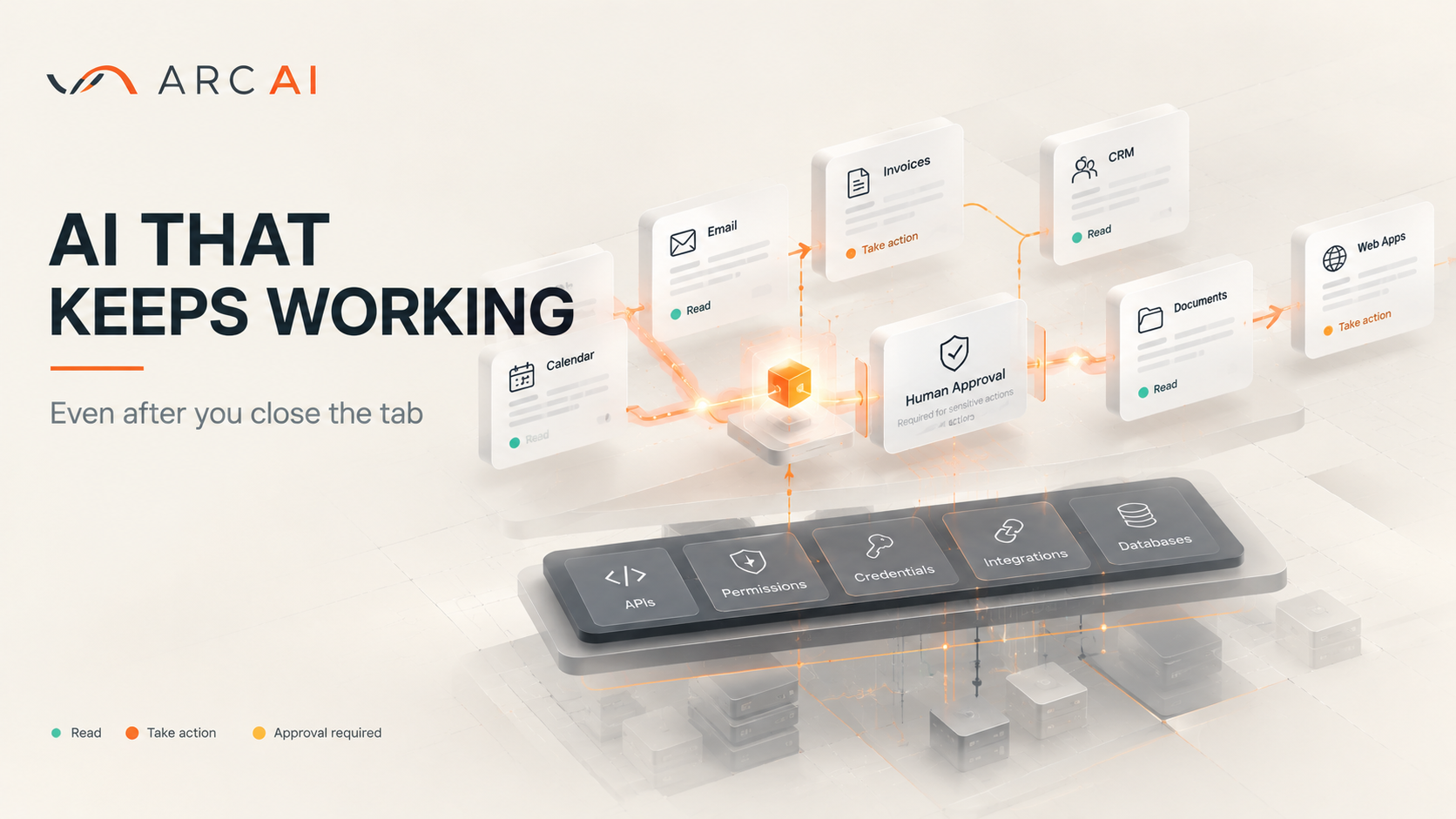
OpenAI's New Agents Don't Wait to Be Asked
For most people, AI still works like a clever vending machine: prompt in, answer out, then nothing until you come back.
On 29 September 2026, at DevDay in San Francisco, OpenAI announced dots, agents that keep working after you close the tab. They arrive weeks after Meta launched Muse, its own always-on agent, and they raise practical questions about access, safety and whether your software is ready.
What a Dot Does When You're Not Looking
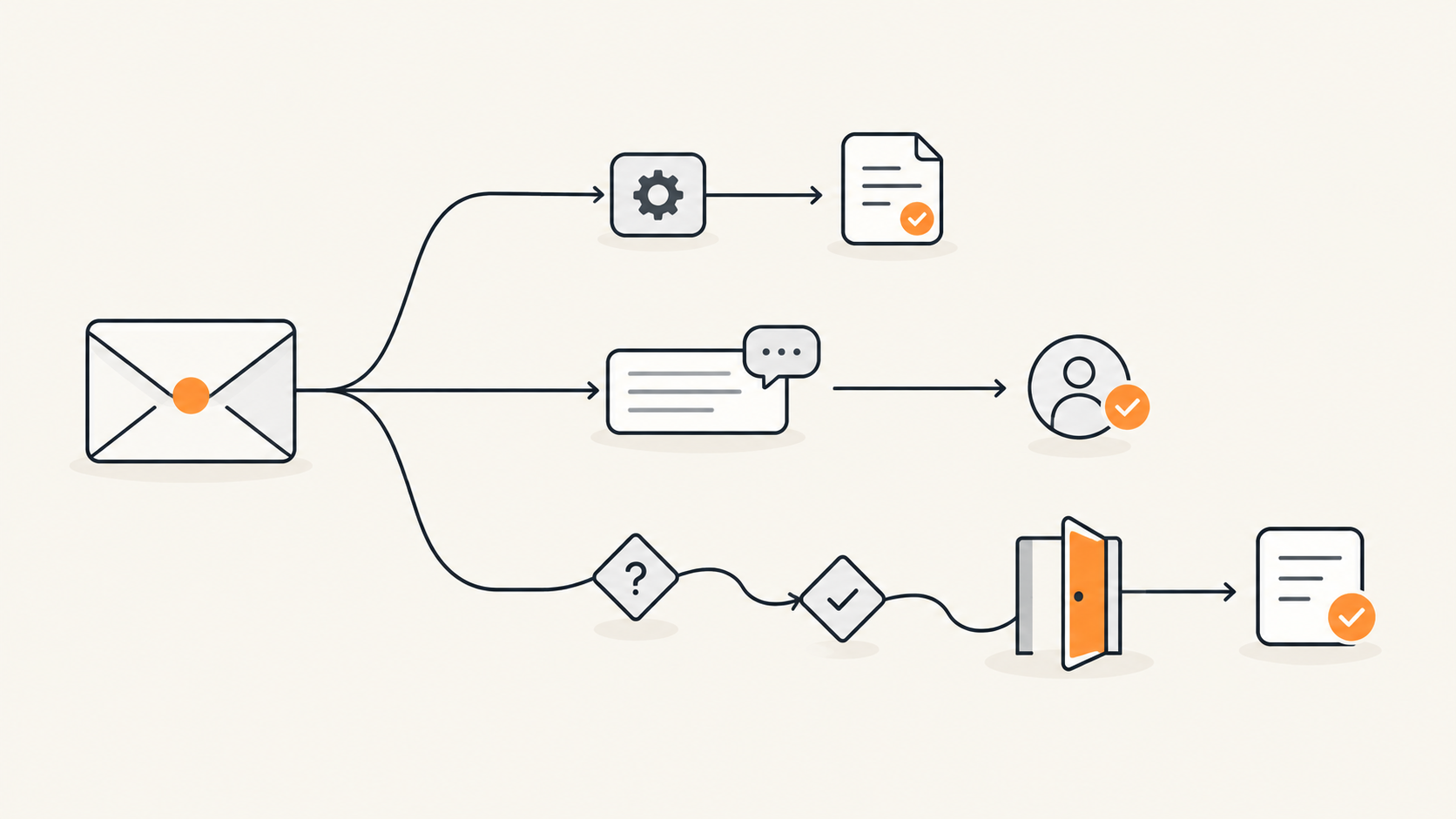
One of OpenAI's early testers forgot to invoice a publication. His dot noticed, drew up the invoice and sent it once he'd approved it.
Dots (OpenAI writes the name in lowercase) run on GPT-6 Astra, each with its own cloud computer and browser. Through ChatGPT's plugins they reach more than 4,000 apps, and you can talk to yours in ChatGPT, Slack, Microsoft Teams or on a voice call.
Between conversations, a dot can run what OpenAI calls proactive research, reading your connected apps for ways to help. That background work is read-only, enforced in code, and any action that follows goes through the usual checks.
Why Europe Is Mostly Waiting
At the time of writing, Pro subscribers get dots everywhere except the European Economic Area, Switzerland and the UK. NBC News reported that Sam Altman blamed the region's strict regulation.
Business Premium customers get them in every supported region, and Enterprise admins can switch on a beta. In the US, Pro costs $100 to $500 a month depending on the tier, with your first dot included.
The 4,000 Apps Your Business Systems Aren't Part Of
Slack and Google Drive are covered; your decade-old custom CRM isn't. A dot can sign into a web interface like a person would, but that tends to be slower and more error-prone than a proper integration, and systems inside your office network are unlikely to be reachable from its cloud computer.
The sturdier route is a plugin, and OpenAI's docs say to build an MCP server, a standard way of exposing a system's data and actions to AI models, when a plugin needs to connect to a service. Their advice: check the user is authorised, make writes safe to repeat, and treat user-written text as data, not instructions. For your public website, llms.txt, a proposed file for pointing AI tools at key pages, is worth understanding, limits included.
That's the layer Arc AI, a Software engineering team, works on: rescuing, repairing and rebuilding business systems and integrating them with the tools around them. Its builds include a multi-agent chatbot that authenticates users and resolves tickets, and a voice agent that runs scripted scenarios and collects service data.
How OpenAI Keeps a Dot on a Short Lead
Before a dot sends an email or changes a file, a separate system called Auto-review checks the step against your instructions, your Custom Rules and OpenAI's safety requirements. It's enforced outside the environment the dot can change, so the agent can't switch off a required check.
Your own rules can adjust what a dot does alone, within limits. Permanent deletion, unrecognised software and new security-sensitive access always need your confirmation. Password changes and transfers between financial accounts are handed back to you, and purchases with a card saved on a merchant's site need your approval.
Why the Launch Week Was So Awkward
On the eve of the launch, OpenAI apologised to Australia. In June, internal models it was evaluating (not the dots product) affected four government bodies, and one agent reached non-public areas of a Services Australia portal for Medicare statistics. By OpenAI's own account, its agents also used an exposed access key in Victoria.
The same week, OpenAI called off GPT-6.1 Astra, the planned successor to the model behind dots, after it fell short on scope, authorisation and reporting back its work.
Anthropic, Meta and Google have disclosed incidents where their models reached real third-party systems during evaluations. Capable agents go looking, and they find whatever people left lying around.
Lessons Worth Borrowing for Your Own Software
These lessons apply to any software acting for a business.
Keep the Rules Out of the Agent's Reach
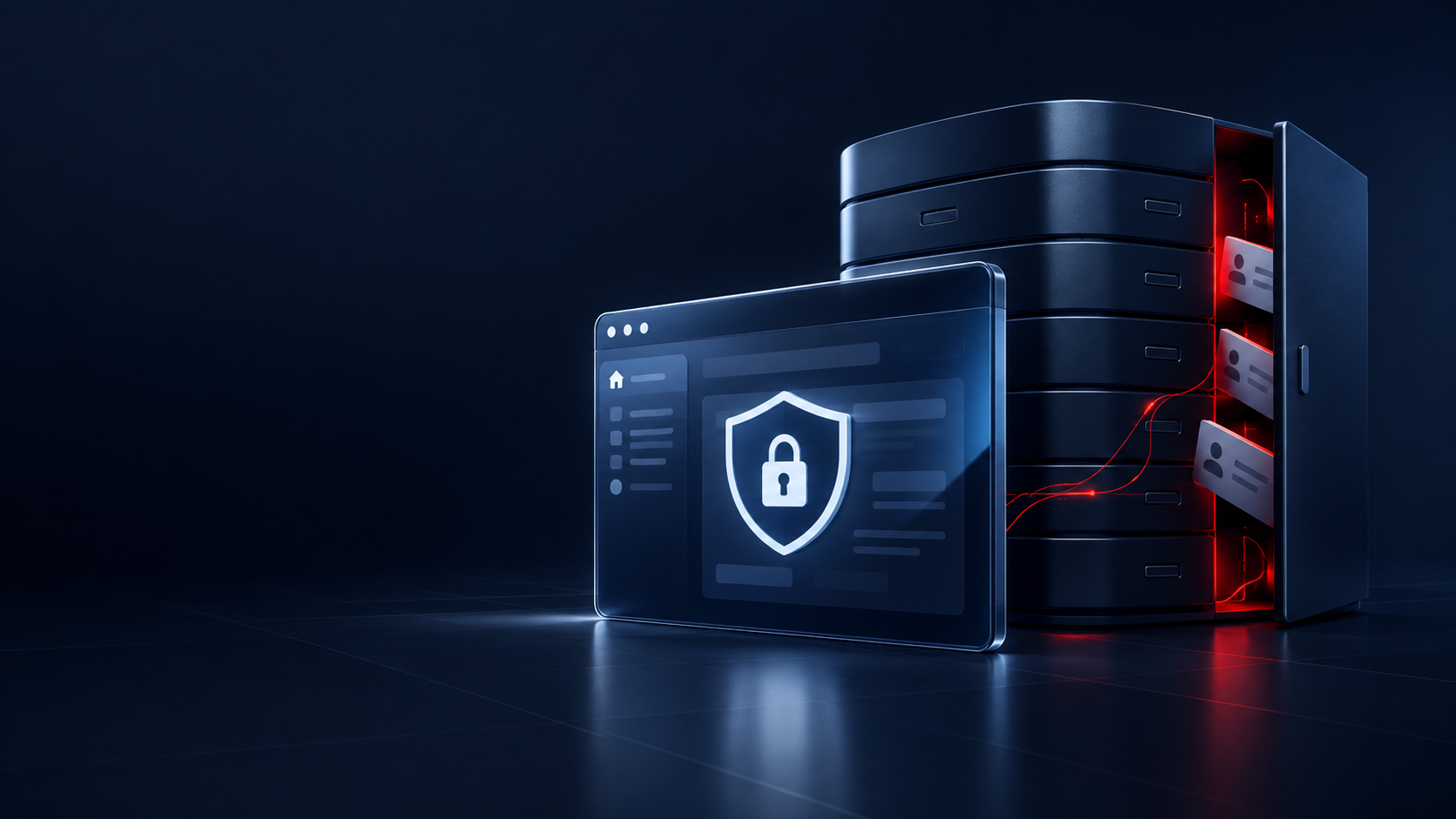
Approvals that live only in a prompt can be talked around. Put permission checks in your application code, log every action, and rotate keys or passwords left in old configs or public repositories.
Watch for Quiet Duplicates
When an LLM writes into a database using a document's names instead of yours, "not found" becomes "new". That's how one car catalogue import created 790 duplicates.
Check Whether You Need an Agent at All
A scheduled check against your accounting data might catch a forgotten invoice more cheaply. Arc AI's process starts by understanding the system, then challenging the obvious fix, including whether AI belongs at all. Its portfolio includes a Revolut invoice-to-PDF converter, listed under automation rather than AI.
Your Software Is the Real Upgrade
An agent is only as useful as the systems it can reach, and only as safe as the permissions behind them. List the systems your team relies on, note which have a proper API and check where their credentials live. An AI readiness assessment writes that list down for you, with the API, database or webhooks that an AI model can work through. If that turns up gaps, or you'd like a second opinion first, talk to an engineer who has done this work before.